Try Fast WMS before you talk to sales
Walk through the warehouse in 3D, build a setup that matches yours, or put your own numbers into our calculators. Everything here runs in your browser.
Five ways to explore
See it, configure it, measure it
Pick the one that matches where you are in your decision.
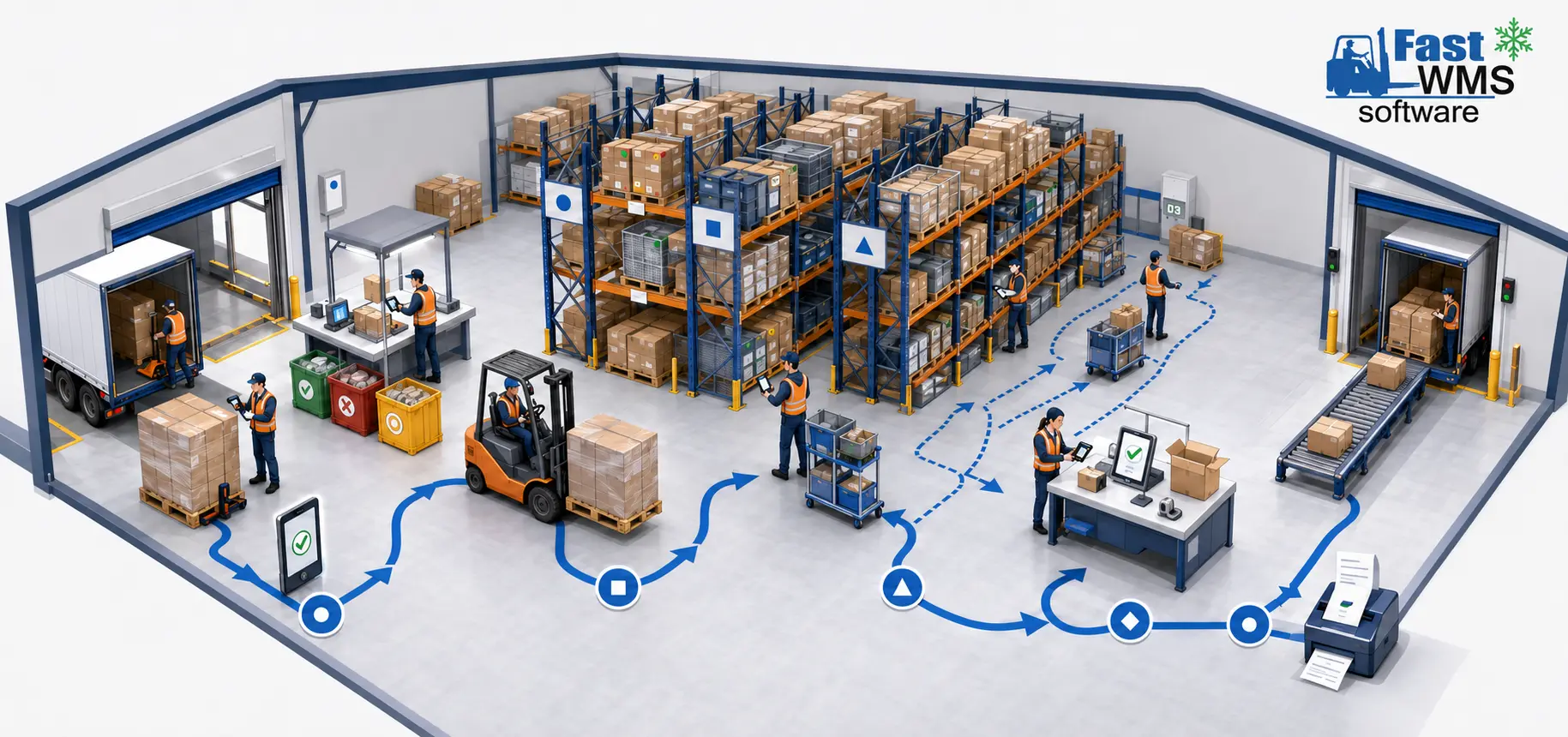
3D warehouse tour
Scroll through a working warehouse and watch Fast WMS handle each step, from the inbound dock to the invoice.
- Inbound, storage, picking and dispatch, layer by layer
- Take the system apart to see what you are paying for
- Switch industries to see what changes
Build your warehouse
Choose your industry, size, plants, storage, ERP, scanning devices and users. The warehouse rebuilds as you choose.
- A list of exactly what your setup includes
- Send it to us for a written quote
- Share the link with your team
Warehouse loss calculator
Enter your own figures and see what five common stock leaks cost you a year. No claimed savings.
Calculate my losses → Check readinessWarehouse readiness score
Answer 12 questions across 6 areas. See your stage and your 3 biggest gaps.
Get my score → Your team's wayWhatsApp demo
See the dispatch alert your customer gets, OTP delivery, daily expiry alerts and Dhruv AI answers, in a WhatsApp-style chat.
Try the demo →Not sure where to start?
Start from what you need right now
Questions
Before you start
Do I need to sign up to use these?
No. The 3D tour, the configurator, the calculator, the readiness score and the WhatsApp demo all work in your browser without an account. Only the downloadable reports ask for your name and email, so we can send them to you.
Is the configurator a price quote?
No. It shows what your setup includes. Pricing is a custom quote based on plants, users, industry modules and deployment, sent in writing after a scoping call. See how pricing works.
Does the loss calculator promise savings?
No. It uses only the numbers you enter to estimate what common stock leaks cost you today. Any improvement figure is one you set yourself with the what-if slider.
Which one should I start with?
If you want to see the product, start with the 3D tour. If you need a quote, use the configurator. If you need to justify the spend, use the loss calculator. If you are not sure your warehouse is ready for software, take the readiness score.
Ready to see it with your own items and bins?
Book a demo and we will set up your own items, bins and stores on screen.